Tooling Around: A Brief Overview of UI Implementation Tools
Paolo Parrucci - UI Technical Director
5 min read
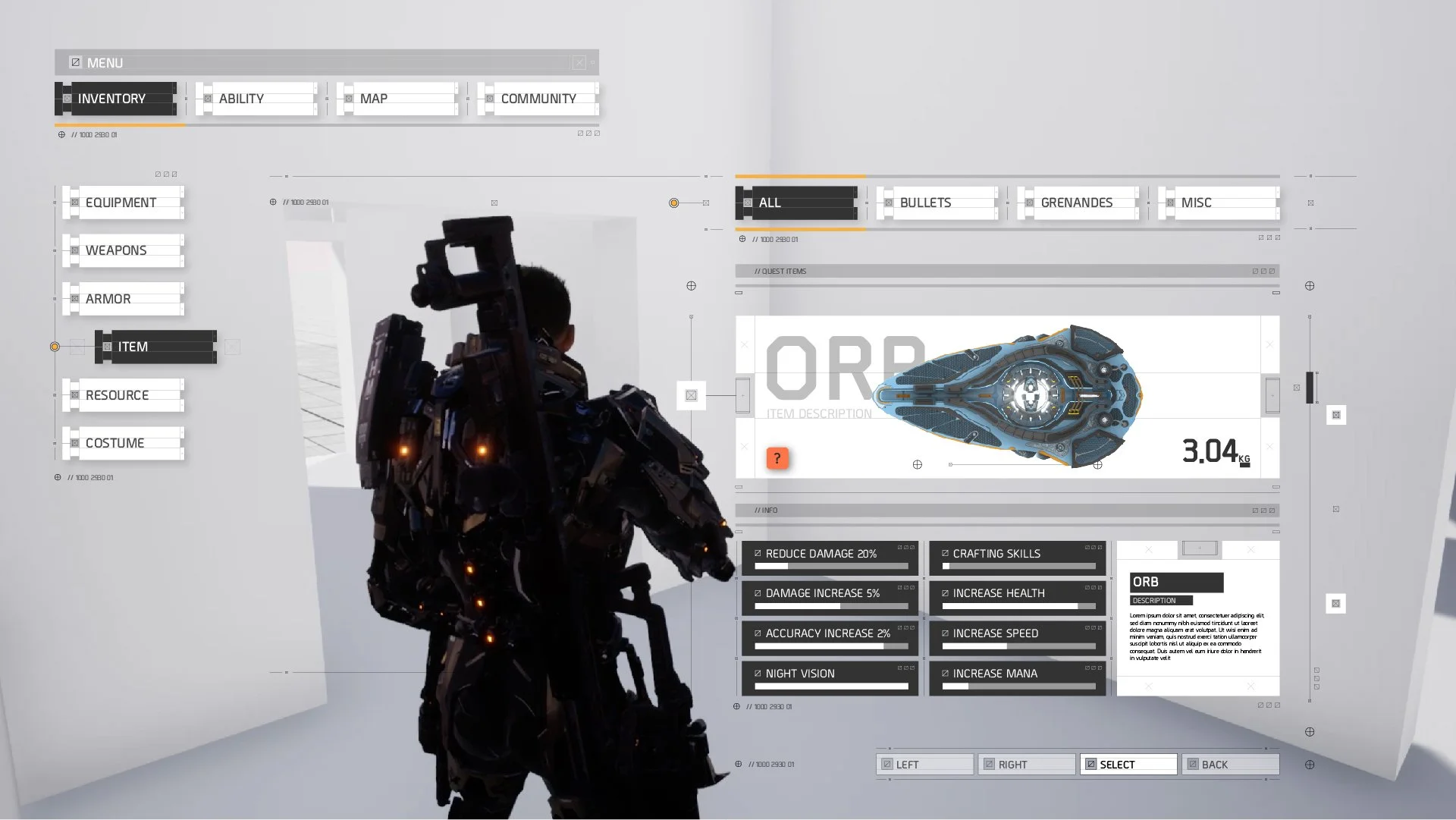
UI is a fascinating discipline that lives at the intersection of Art, Tech and Design and has to balance often contrasting needs throughout development: Art wants things to be beautiful, Tech wants them performant and Design wants them clear and easily understandable.
To ensure all these requirements can be satisfied, then, choosing the right UI implementation tool for your project is crucial: the right choice will allow artists more freedom to create cool, flashy visuals and more time to iterate and polish designs, enhancing clarity and feedback while still hitting the desired performance targets.
On the other hand, the wrong tool can severely hamper creative freedom and presentation quality, creating frustrations in the team.
Ideally, all of this will need to be taken into account from day one, as the most intuitive or beautiful interfaces won’t be of much use if they cannot be easily implemented in the engine with a great degree of fidelity.
The choice of tool will also determine what specific skills and technical expertise the UI team will need during development, so the sooner it happens the better.
UI implementation tools can be broadly divided in two categories: ones that come as part of the game engine (let’s call them “internal” for brevity) and ones that are essentially standalone programs that will connect to the engine, or that have plugins that will enable the engine to use their files.
Internal tools
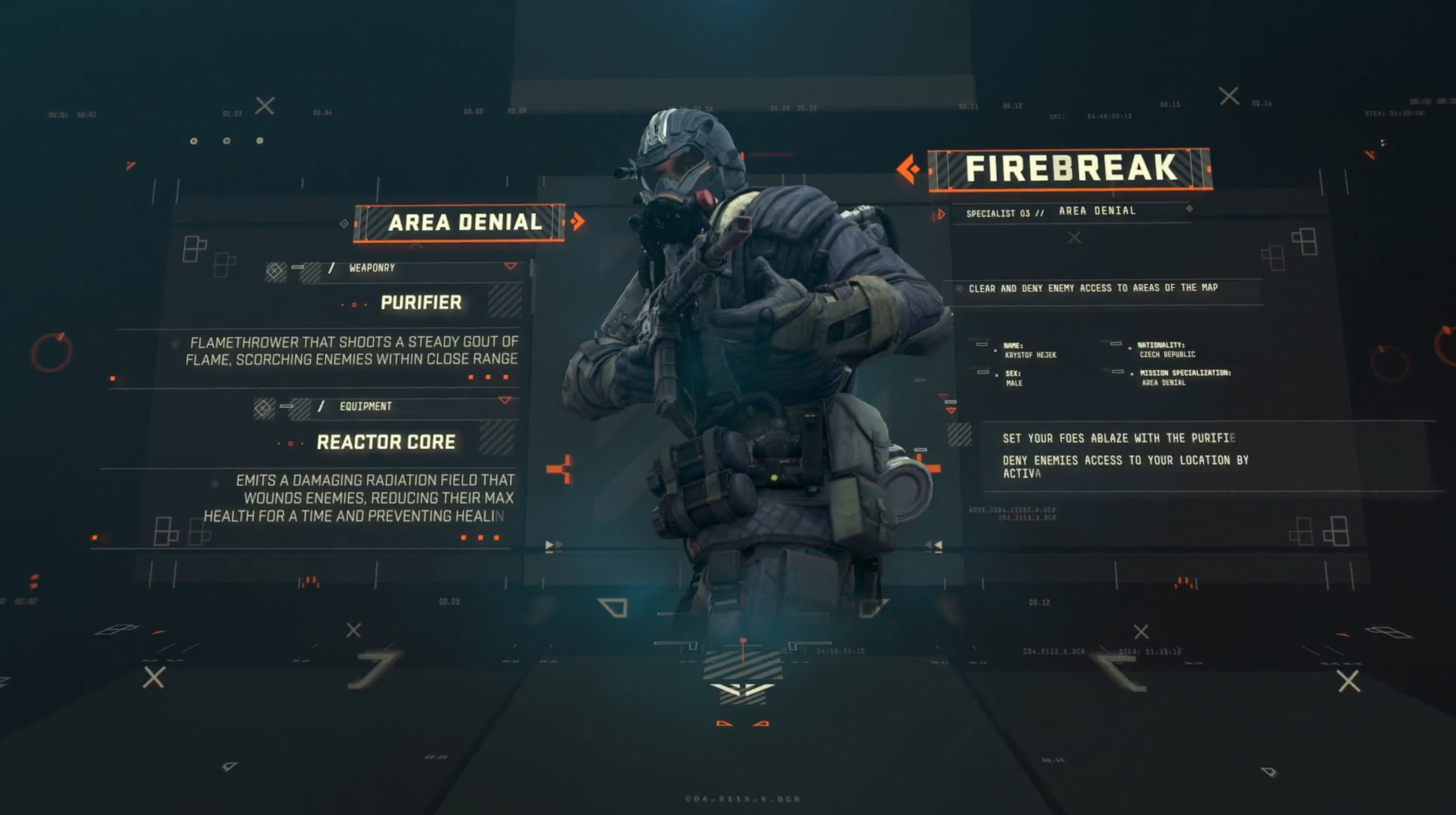
Examples of internal tools are UMG (Unreal), UI Toolkit/uGUI (Unity), Godot’s UI control nodes system, or any number of in-house systems that are part of proprietary engines (hello, Ubisoft’s Phoenix).
These are built-in and ship with the engine, so they don’t require any additional licenses or budget.
They are developed by the same companies that built the engine in the first place, providing relative peace of mind regarding technical integration and support.
Moreover, as they are fully embedded in the engine from the ground up, they can take advantage of most of its capabilities in a direct way, for instance UMG allows the UI system to seamlessly use Unreal’s materials and blueprints without the need for any extra work or code.
They will also always be compatible if the engine updates and will be supported, at least to some degree, throughout the lifespan of its current version.
And finally, although it might apply to some systems more than others, training materials and tutorials are generally readily available, especially for free, both from the engine developers and on YouTube.
The flip side is that all this power can add considerable complexity, with more opportunities to impact performance in a negative way if the team is not super experienced.
Some of those tools are also complicated to learn, as they require a reasonable knowledge of the rest of the engine and often have multiple ways to achieve the same results.
And finally, their development might not particularly fast, as the dev teams have the whole engine to take care of so they can be spread quite thin. Sadly UI tools aren’t quite the system sellers compared to other areas and chances are that they won’t be that high on the priorities list, resulting in fewer features compared to the external tools.
However, in most cases the pros of internal tools greatly outweigh the cons, as they are proven to work well in their game engine and don’t add any extra costs to the project. For these reasons more and more studios are using them on all kinds of projects, form indie to AA and AAA, while the adoption of external tools has somewhat reduced from the heights experienced during Scaleform’s heyday.
External tools
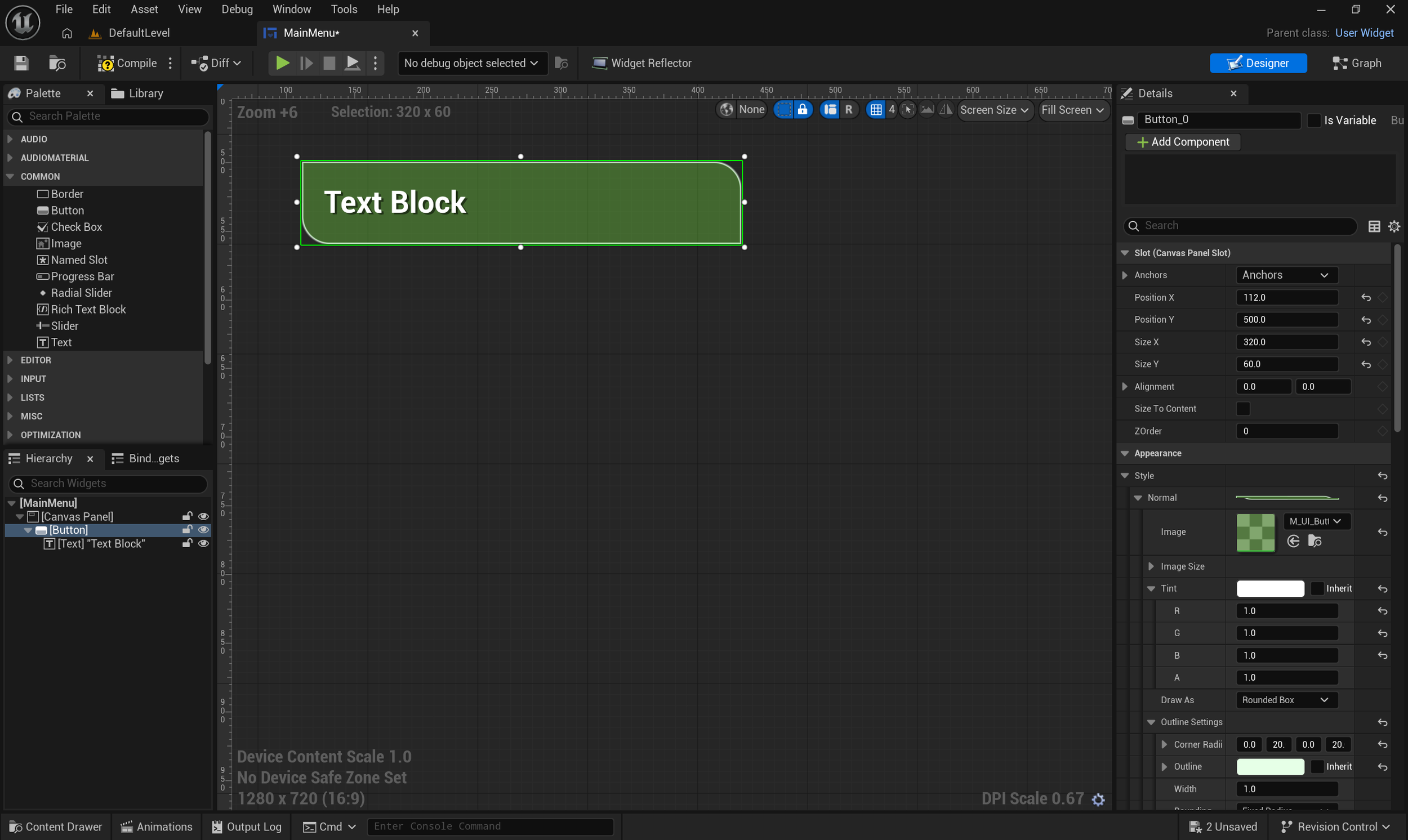
External tools, or middleware, are quite common in game development, providing extra functionality to the engines or improving efficiency with faster workflows or better quality of life features.
In case of UI implementation, middleware software used to be pretty much industry standard with Scaleform, a once-ubiquitous tool based on Adobe Flash/Animate.
After Scaleform’s discontinuation in 2017, other players stepped up to fill the void rapidly gaining traction and adoption.
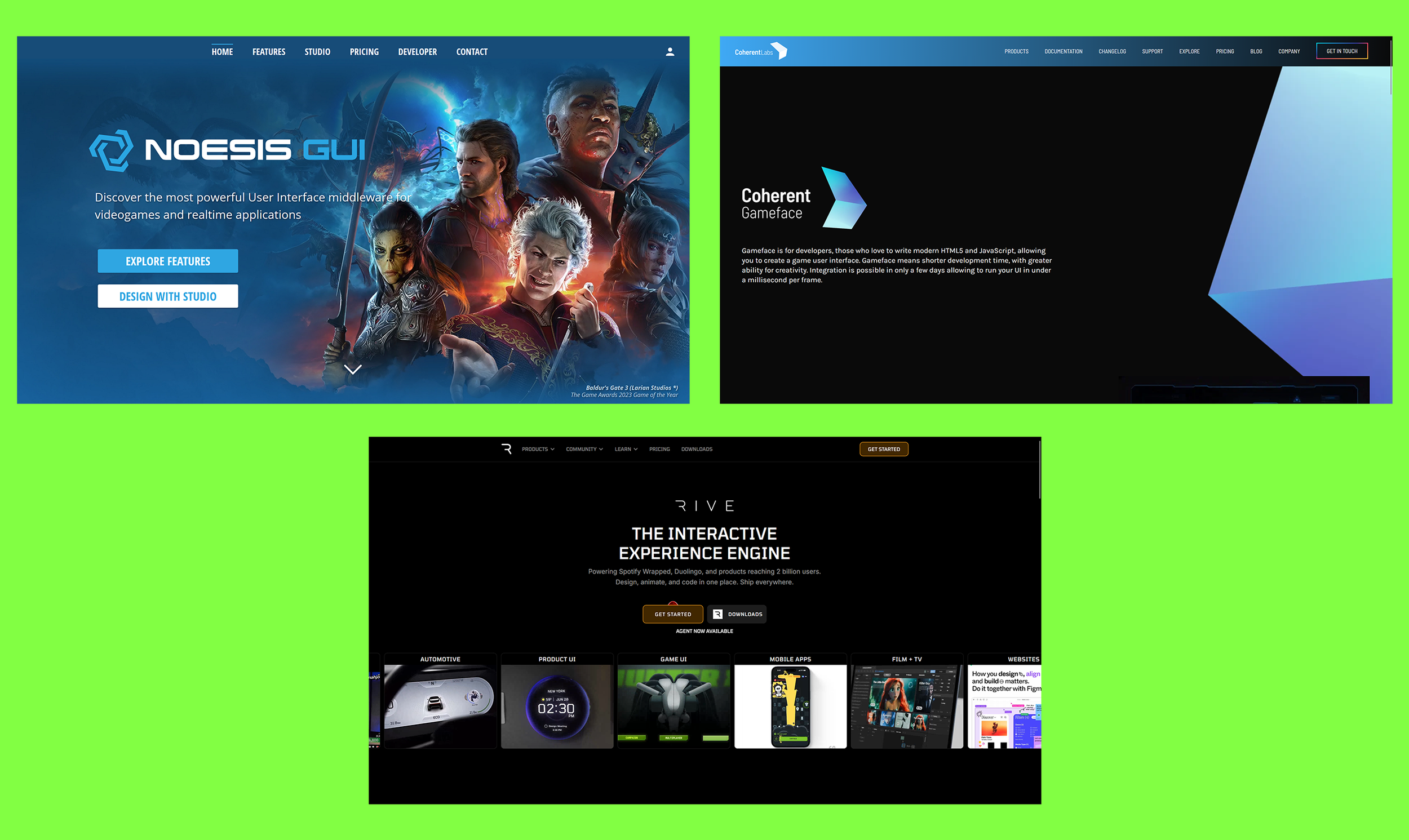
Nowadays, the main contenders in this space are Noesis GUI and Coherent Gameface, used by studios such as Larian, Remedy and Insomniac among others, with Rive garnering lots of attention recently due to its ease of use, animation capabilities and performance.
One of the main benefits of these tools is that they are engine agnostic, so if the studio eventually decides to change game engine for new projects, they won’t have to retrain their staff, as the middleware they are already using will likely be compatible with the new engine.
These tools often use standard web tech and languages, such as XAML for Noesis GUI and HTML5/Javascript for Gameface, so it’ll be relatively straightforward to find people with relevant skills when hiring, even from outside of the game industry.
And the fact that they’re standalone programs means that UI implementers might still be able to use them even if the engine is broken due to a bad sync or build.
But there are drawbacks with external tools too: licensing fees can be expensive and there’s no guarantee that the software won’t be eventually discontinued, like what happened with Scaleform in 2017.
On a more technical side, oftentimes the UI files created with the tools won’t easily communicate with the rest of the engine’s systems or will add performance and/or memory overheads, will require engineering efforts to plug them in and training materials might be patchy or hard to come by.
How to choose the right tool
With all this in mind, it’s easy to see why choosing the right tool for UI implementation could be a daunting task, as the wrong choice can end up severely limiting creative ambitions on the project and result in a less-than-ideal experience for both the dev team and the final users.
To start, it is always worth to evaluate the internal tools first, as they don’t require extra budget and are already available to the team.
The main thing to check is whether key features of the UI design can be easily implemented with them: for instance, complex diegetic layouts or particular effects crucial to the UI’s look or behaviour may prove to either be easily supported or a complete nightmare to create.
When assessing these types of workflows, always keep in mind that the team using them will likely experience time pressures at various points during development, so they need to be robust enough to minimise errors from tired or stressed staff rushing to meet deadlines.
If internal tools are not up to the desired results, start investigating external ones to see if they are a better fit.
Depending on the size of the dev studio, it might be possible to have a dedicated rep at the external tool’s company to advise on particular capabilities and integrations, but ensure to always stress-test the software thoroughly, not just in ideal world scenarios, as sometimes issues might only come up during particular circumstances: I’ve personally used tools in the past that were great with very simple UI screens, but completely fell apart when new features were added during development, causing untold headaches to the team.
No matter what tool is ultimately chosen, though, a good practice is to ensure the inclusion of at least one UI Tech Artist or Tech Designer to the dev team.
They will be responsible to figure out best practices and workflows and evangelise them to the rest of the team, while also taking up more complex implementation tasks that require a greater familiarity with the engineering side of the equation.
This will help unlock more creative freedom for the rest of the UI designers and artists by removing tech obstacles and it will ensure that UI performance and optimisation will be well looked after throughout development.
More importantly, though, regardless of the tools used, keep making awesome games with fantastic user interfaces!
And on that note, at Dead Nice studio we have extensive experience and expertise with UI implementation and engineering, so whatever path you choose, we can help!